> ## Documentation Index
> Fetch the complete documentation index at: https://dub-client-tracking-lead-sale.mintlify.site/llms.txt
> Use this file to discover all available pages before exploring further.
# Better Auth
> Learn how to track lead conversion events with Better Auth and Dub
Conversion tracking require a [Business plan](https://dub.co/pricing)
subscription or higher.
When it comes to [conversion tracking](/conversions/quickstart), a `lead` event happens when a user performs an action that indicates interest in your product or service. This could be anything from:
* Signing up for an account
* Adding a product to cart
* Joining a mailing list
 In this guide, we will be focusing on tracking new user sign-ups for a SaaS application that uses Better Auth for user authentication.
## Prerequisites
Before you get started, make sure you follow the [Dub Conversions quickstart guide](/conversions/quickstart) to get Dub Conversions set up for your links:
1. [Enable conversion tracking for your links](/conversions/quickstart#step-1%3A-enable-conversion-tracking-for-your-links)
2. [Install the @dub/analytics client-side SDK](/sdks/client-side/introduction)
3. [Install the Dub server-side SDK](/sdks/overview#server-side-sdks)
## Installation
To get started, simply install the [`@dub/better-auth` plugin](https://www.npmjs.com/package/@dub/better-auth) via your preferred package manager:
```bash npm
npm install @dub/better-auth
```
```bash yarn
yarn add @dub/better-auth
```
```bash pnpm
pnpm add @dub/better-auth
```
```bash bun
bun add @dub/better-auth
```
Then, add the plugin to your better-auth config file:
```ts auth.ts
import { dubAnalytics } from "@dub/better-auth";
import { betterAuth } from "better-auth";
import { Dub } from "dub";
const dub = new Dub();
export const auth = betterAuth({
plugins: [
dubAnalytics({
dubClient: dub,
}),
],
});
```
## View your conversions
Once you've completed the setup, all your tracked conversions will show up in [Dub Analytics](https://dub.co/analytics). We provide 3 different views to help you understand your conversions:
* **Time-series**: A [time-series view](https://app.dub.co/dub/analytics?view=timeseries) of the number clicks, leads and sales.
In this guide, we will be focusing on tracking new user sign-ups for a SaaS application that uses Better Auth for user authentication.
## Prerequisites
Before you get started, make sure you follow the [Dub Conversions quickstart guide](/conversions/quickstart) to get Dub Conversions set up for your links:
1. [Enable conversion tracking for your links](/conversions/quickstart#step-1%3A-enable-conversion-tracking-for-your-links)
2. [Install the @dub/analytics client-side SDK](/sdks/client-side/introduction)
3. [Install the Dub server-side SDK](/sdks/overview#server-side-sdks)
## Installation
To get started, simply install the [`@dub/better-auth` plugin](https://www.npmjs.com/package/@dub/better-auth) via your preferred package manager:
```bash npm
npm install @dub/better-auth
```
```bash yarn
yarn add @dub/better-auth
```
```bash pnpm
pnpm add @dub/better-auth
```
```bash bun
bun add @dub/better-auth
```
Then, add the plugin to your better-auth config file:
```ts auth.ts
import { dubAnalytics } from "@dub/better-auth";
import { betterAuth } from "better-auth";
import { Dub } from "dub";
const dub = new Dub();
export const auth = betterAuth({
plugins: [
dubAnalytics({
dubClient: dub,
}),
],
});
```
## View your conversions
Once you've completed the setup, all your tracked conversions will show up in [Dub Analytics](https://dub.co/analytics). We provide 3 different views to help you understand your conversions:
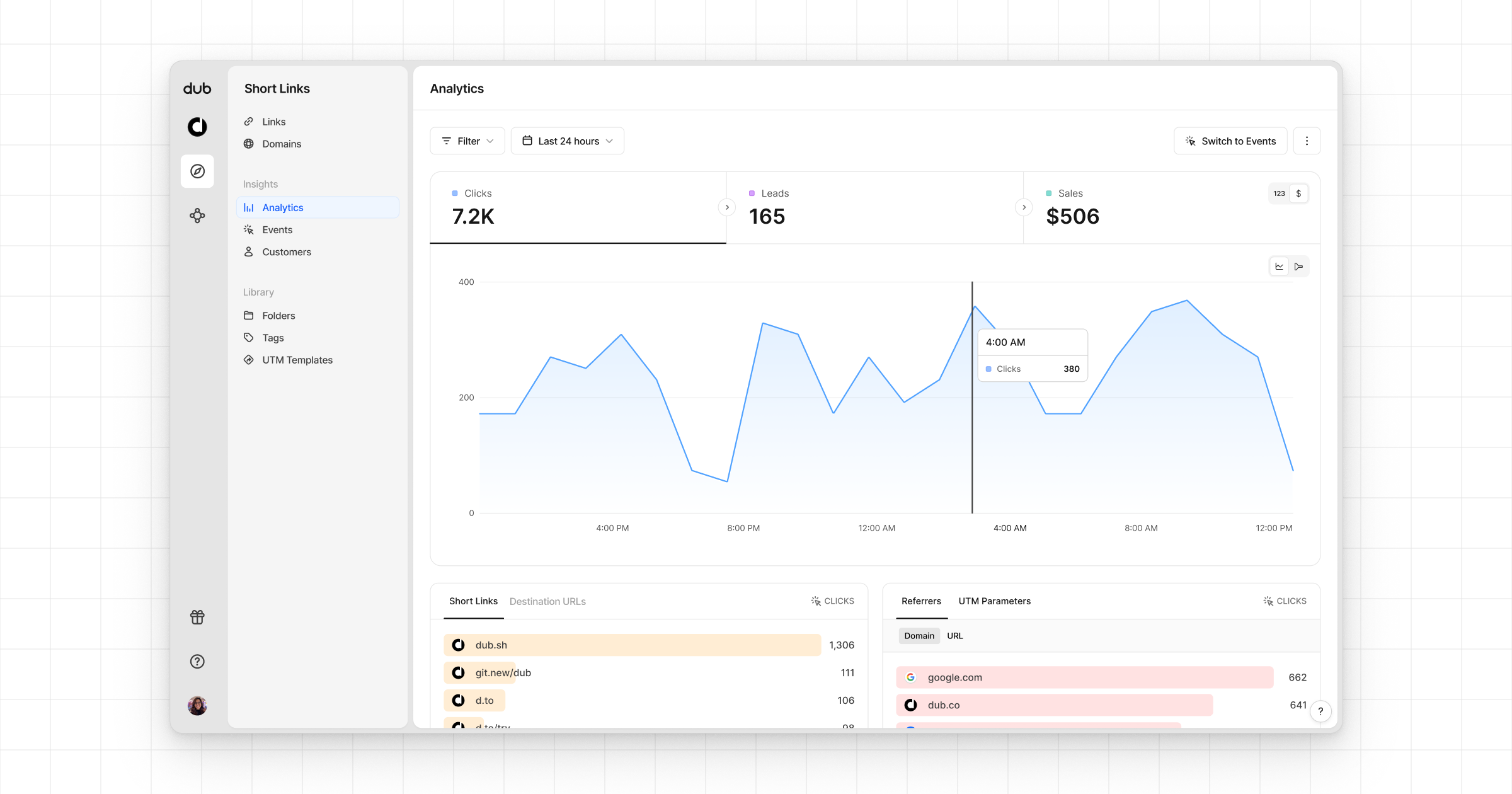
* **Time-series**: A [time-series view](https://app.dub.co/dub/analytics?view=timeseries) of the number clicks, leads and sales.
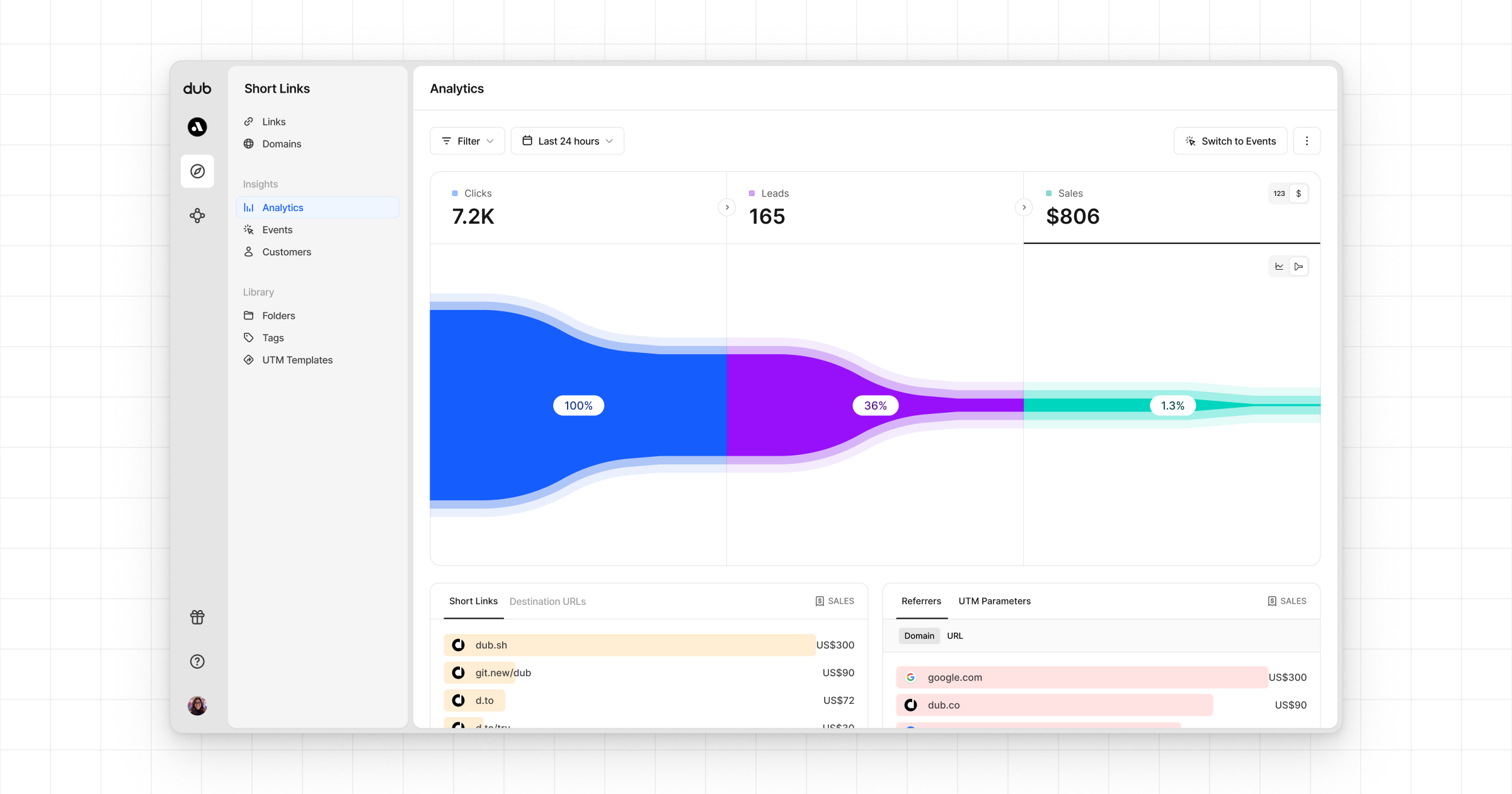
 * **Funnel chart**: A [funnel chart view](http://app.dub.co/analytics?view=funnel) visualizing the conversion & dropoff rates across the different steps in the conversion funnel (clicks → leads → sales).
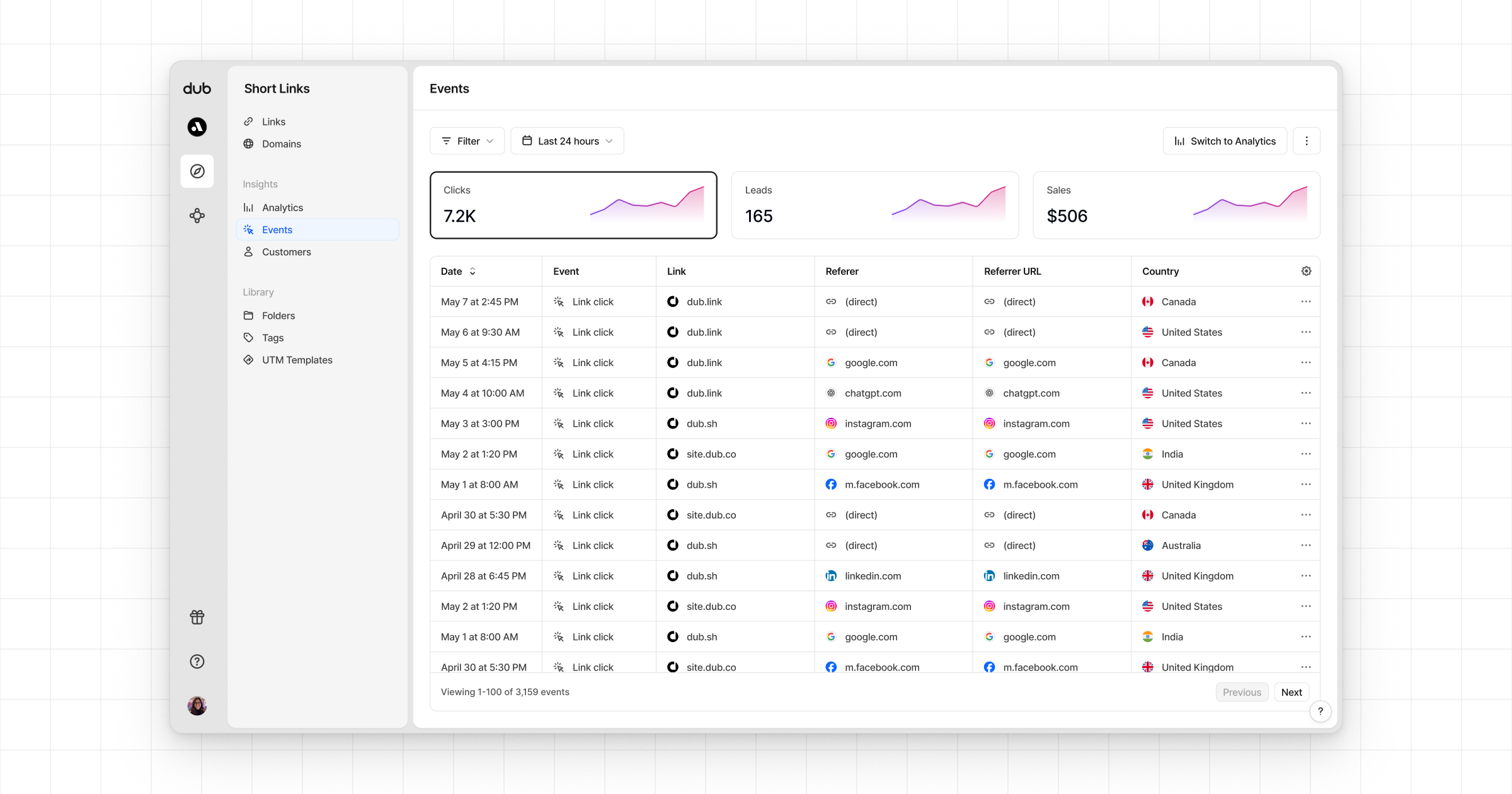
 * **Real-time events stream**: A [real-time events stream](https://app.dub.co/events) of every single conversion event that occurs across all your links in your workspace.