Use this file to discover all available pages before exploring further.
Conversion tracking require a Business plan
subscription or higher.
When it comes to conversion tracking, a lead event happens when a user performs an action that indicates interest in your product or service. This could be anything from:
Signing up for an account
Adding a product to cart
Joining a mailing list
In this guide, we will be focusing on tracking new user sign-ups for a SaaS application that uses Appwrite for user authentication.
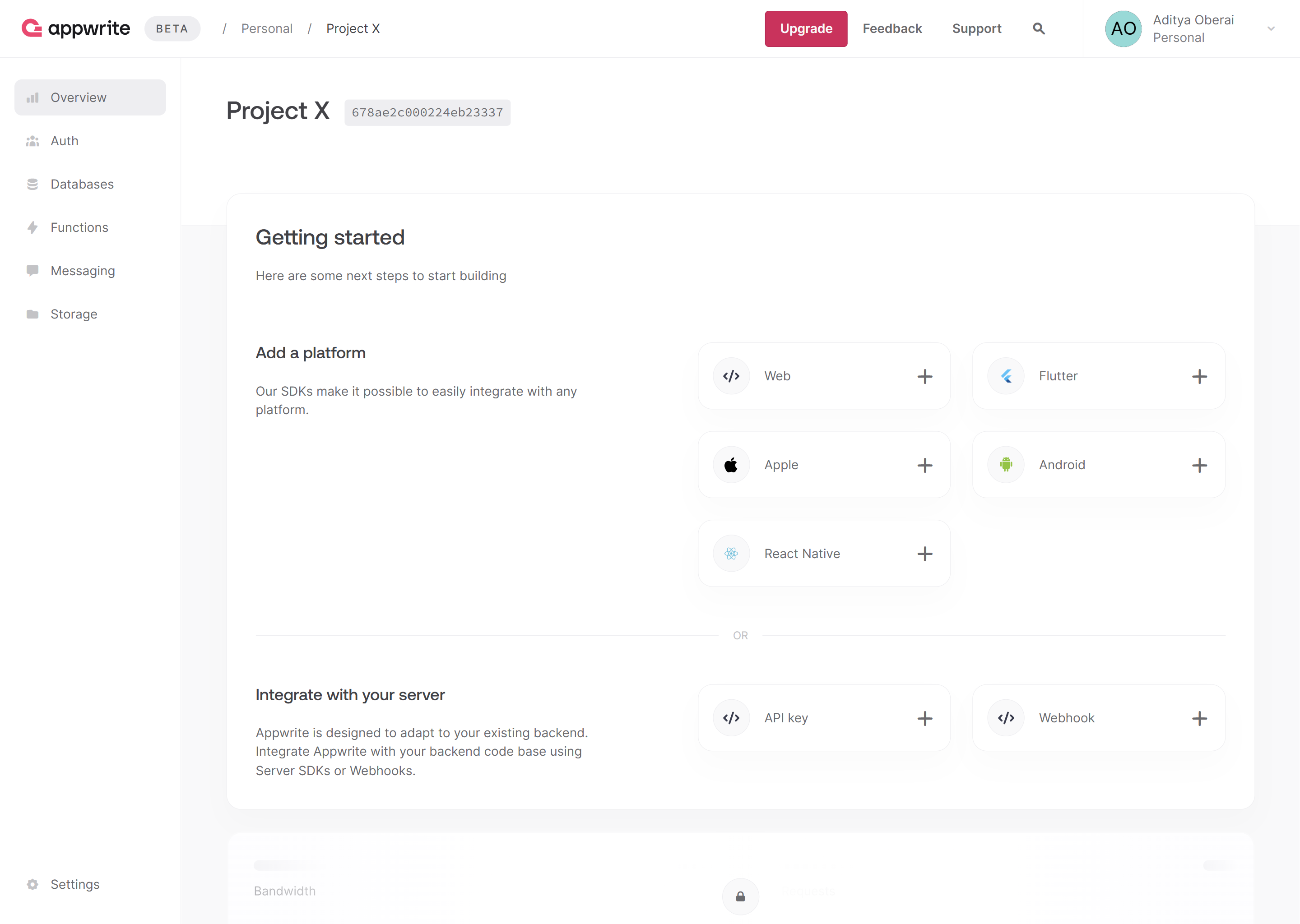
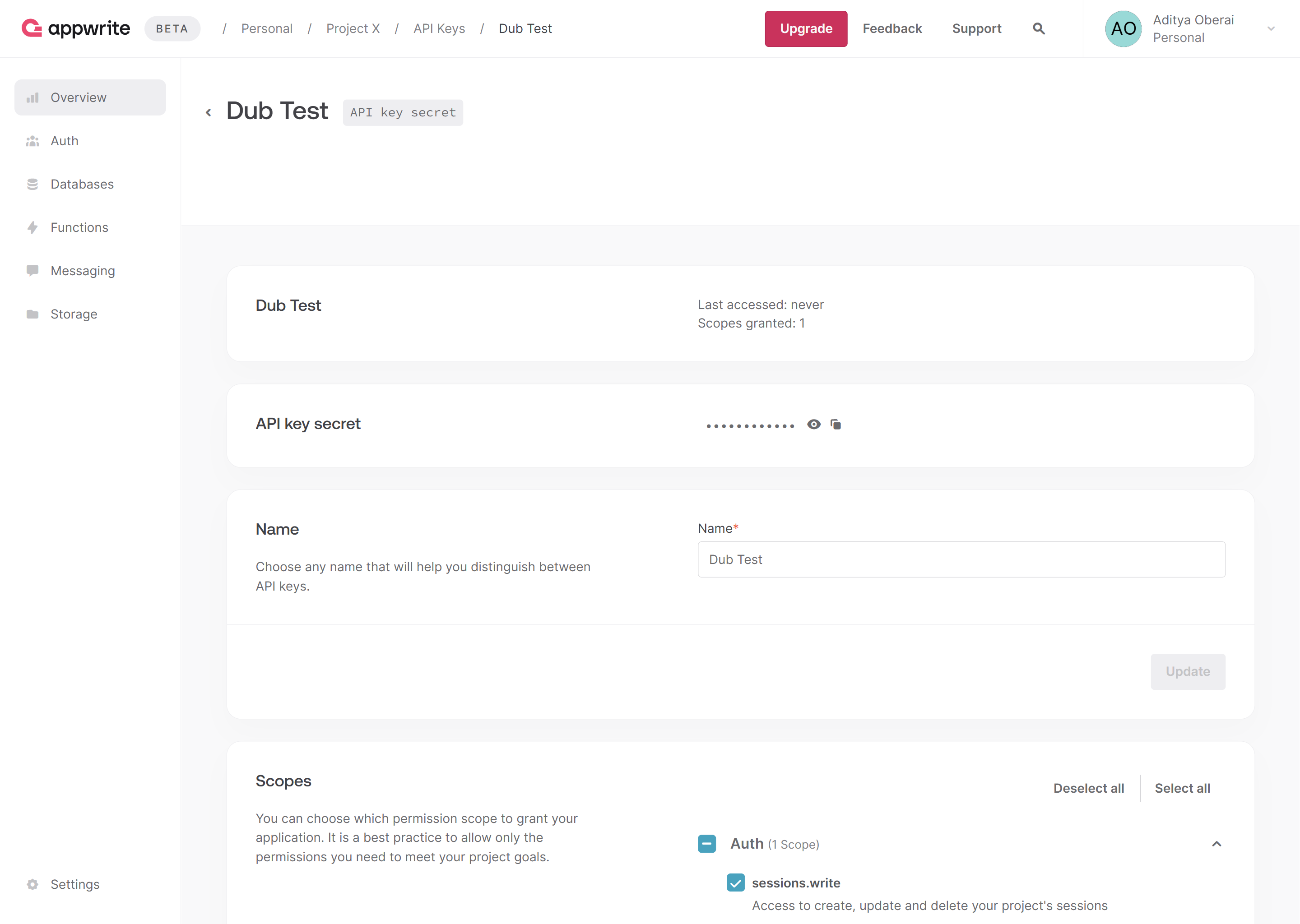
Create a new API key with the sessions.write scope enabled and save the API key for later use. You can also copy your project ID and endpoint from the project’s Settings page.
Then, in your Next.js app, install the Appwrite Node.js SDK.
npm i node-appwrite
2
Add environment variables
Add the following environment variables to your app.
Add the DubAnalytics component from the @dub/analytics package to your app’s root layout.
src/app/layout.tsx
import type { Metadata } from 'next';import { Analytics as DubAnalytics } from '@dub/analytics/react';export const metadata: Metadata = { title: 'Appwrite Dub Leads Example', description: 'Appwrite Dub Leads Tracking example app with Next.js'};export default function RootLayout({ children}: Readonly<{ children: React.ReactNode;}>) { return ( <html lang="en"> <body>{children}</body> <DubAnalytics /> </html> );}
4
Prepare the Appwrite client and auth library
Create the Appwrite Session and Admin client (necessary for SSR apps, as explained in the Appwrite docs). Additionally, create a function to verify user login.
src/lib/server/appwrite.ts
'use server';import { Client, Account } from 'node-appwrite';import { cookies } from 'next/headers';export async function createSessionClient() { const client = new Client() .setEndpoint(process.env.NEXT_PUBLIC_APPWRITE_ENDPOINT as string) .setProject(process.env.NEXT_PUBLIC_APPWRITE_PROJECT as string); const session = (await cookies()).get('my-custom-session'); if (!session || !session.value) { throw new Error('No session'); } client.setSession(session.value); return { get account() { return new Account(client); } };}export async function createAdminClient() { const client = new Client() .setEndpoint(process.env.NEXT_PUBLIC_APPWRITE_ENDPOINT as string) .setProject(process.env.NEXT_PUBLIC_APPWRITE_PROJECT as string) .setKey(process.env.NEXT_APPWRITE_KEY as string); return { get account() { return new Account(client); } };}
5
Set up Dub SDK
Create the Dub client and send leads to Dub using the dub.track.lead() function.
src/lib/server/dub.ts
import type { Models } from 'node-appwrite';import { Dub } from 'dub';const dub = new Dub({ token: process.env.NEXT_DUB_API_KEY});export function addDubLead(user: Models.User<Models.Preferences>, dub_id: string) { dub.track.lead({ clickId: dub_id, eventName: 'Sign Up', customerExternalId: user.$id, customerName: user.name, customerEmail: user.email });}
6
Send leads to Dub on user signup
In the /auth page, use the Appwrite Admin client to allow users to sign up. Post sign up, check if the dub_id cookie is present, send a lead event to Dub if found, and delete the dub_id cookie.
src/app/auth/page.tsx
import { ID } from 'node-appwrite';import { createAdminClient, getLoggedInUser } from '@/lib/server/appwrite';import { cookies } from 'next/headers';import { redirect } from 'next/navigation';import { addDubLead } from '@/lib/server/dub';async function signUpWithEmail(formData: any) { 'use server'; // Get sign up info from form const email = formData.get('email'); const password = formData.get('password'); const name = formData.get('name'); // Create account and session using Appwrite const { account } = await createAdminClient(); const user = await account.create(ID.unique(), email, password, name); const session = await account.createEmailPasswordSession(email, password); (await cookies()).set('my-custom-session', session.secret, { path: '/', httpOnly: true, sameSite: 'strict', secure: true }); // Check if Dub ID is present in cookies and track lead if found const dub_id = (await cookies()).get('dub_id')?.value; if (dub_id) { addDubLead(user, dub_id); (await cookies()).delete('dub_id'); } // Redirect to success page redirect('/auth/success');}export default async function SignUpPage() { // Verify active user session and redirect to success page if found const user = await getLoggedInUser(); if (user) redirect('/auth/success'); return ( <> <form action={signUpWithEmail}> <input id="email" name="email" placeholder="Email" type="email" required /> <input id="password" name="password" placeholder="Password" minLength={8} type="password" required /> <input id="name" name="name" placeholder="Name" type="text" required /> <button type="submit">Sign up</button> </form> </> );}
Here’s the full list of attributes you can pass when sending a lead event:
Property
Required
Description
clickId
Yes
The unique dub_id parameter that the lead conversion event is attributed to.
eventName
Yes
The name of the event. Example: “Sign up”.
customerExternalId
Yes
The unique ID of the customer in your system. Will be used to identify and attribute all future events to this customer.
customerEmail
No
The email address of the customer. If not passed, a random email address will be generated.
customerName
No
The name of the customer. If not passed, a random name will be generated (e.g. “Big Red Caribou”).
customerAvatar
No
The avatar URL of the customer. If not passed, a random avatar URL will be generated.
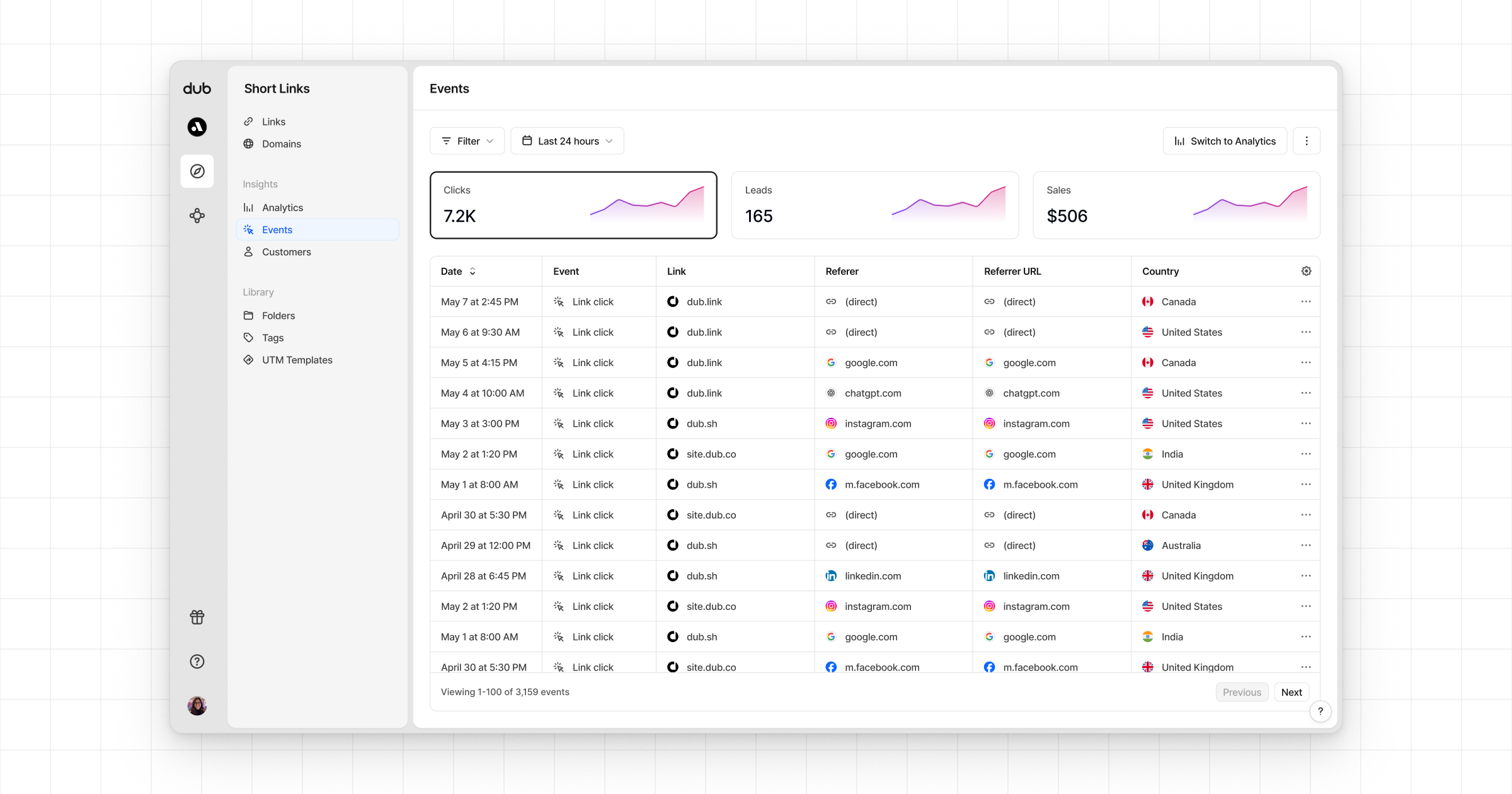
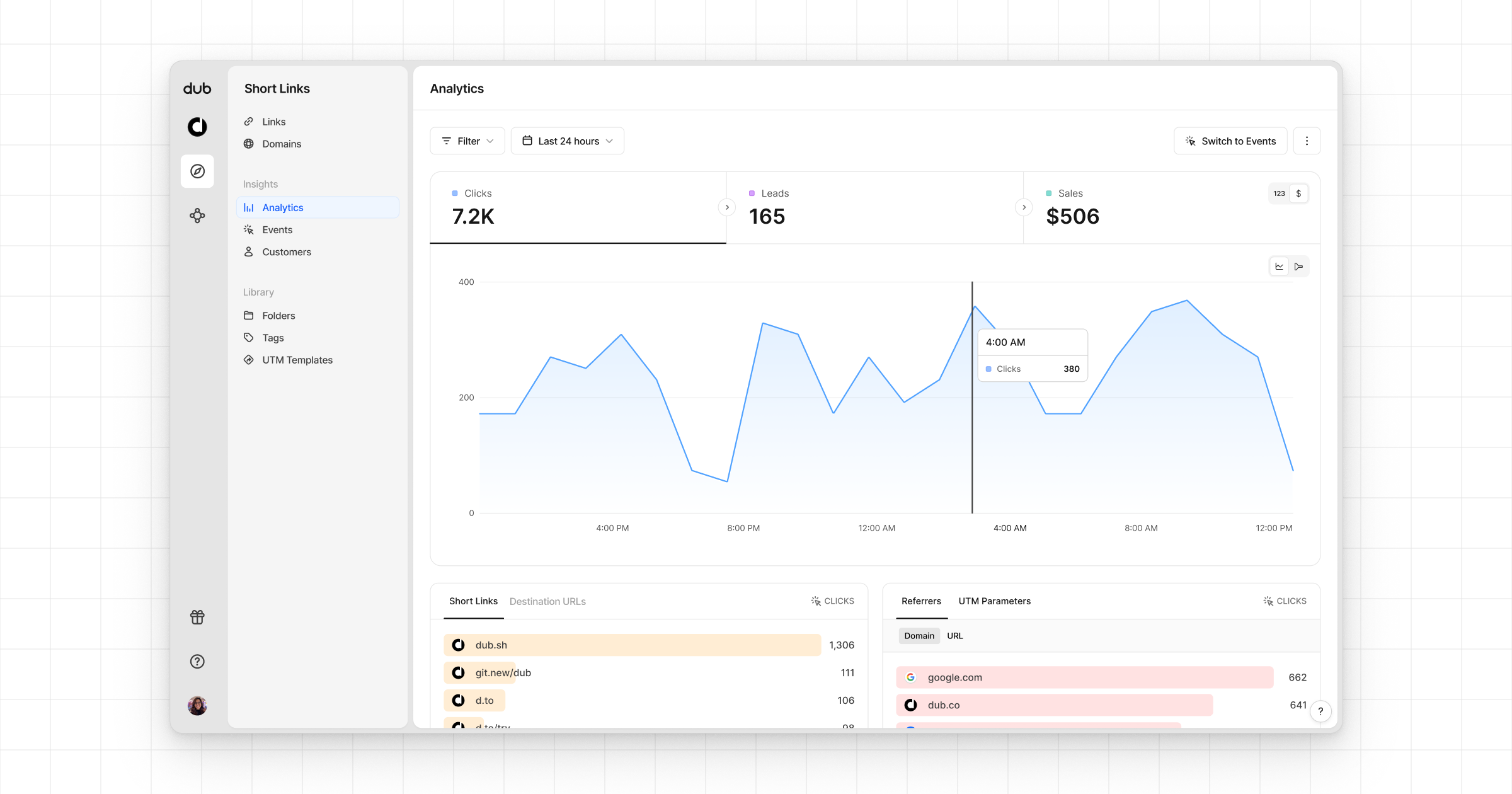
Once you’ve completed the setup, all your tracked conversions will show up in Dub Analytics. We provide 3 different views to help you understand your conversions:
Time-series: A time-series view of the number clicks, leads and sales.
Funnel chart: A funnel chart view visualizing the conversion & dropoff rates across the different steps in the conversion funnel (clicks → leads → sales).
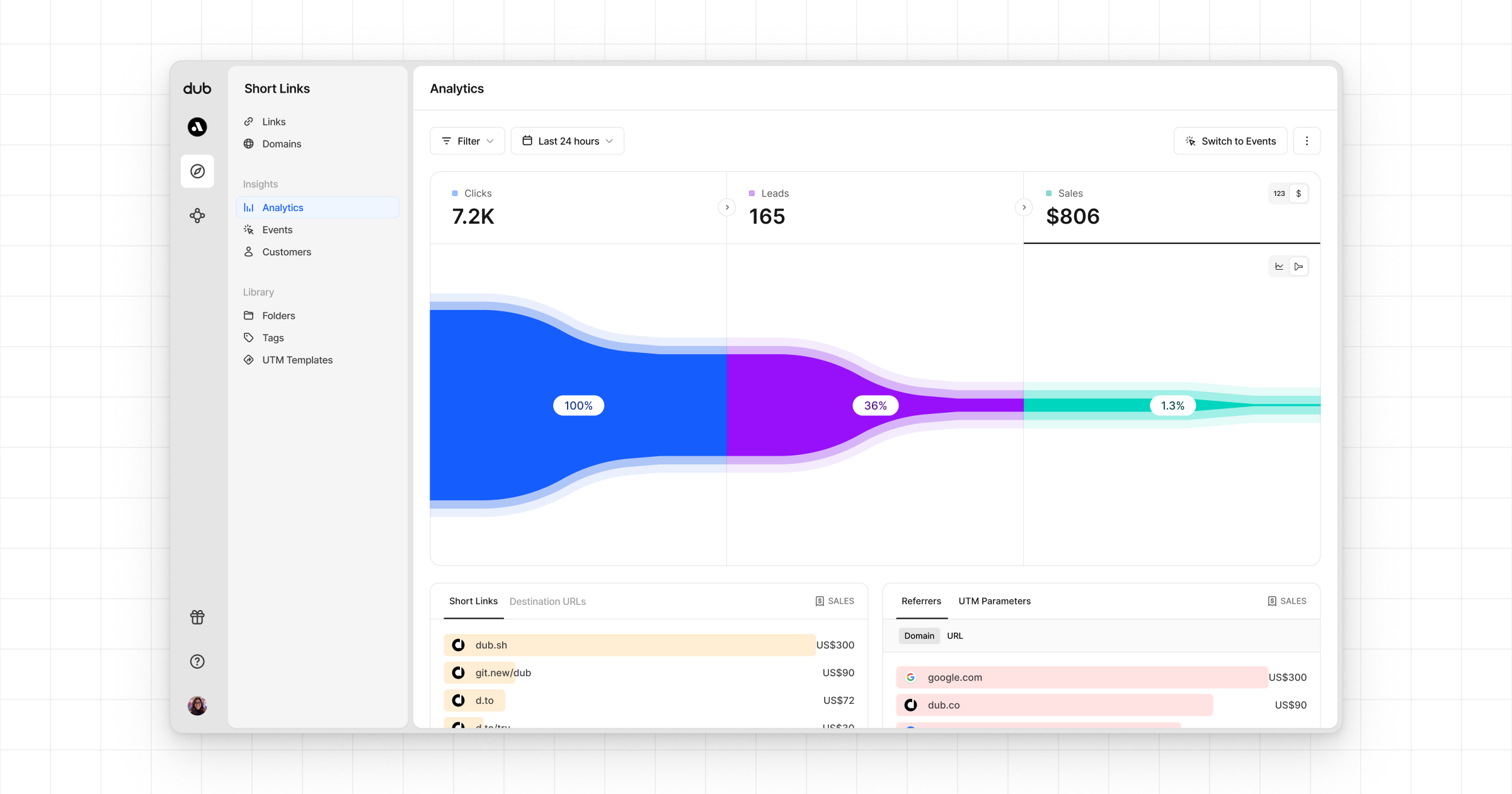
Real-time events stream: A real-time events stream of every single conversion event that occurs across all your links in your workspace.